Say your spot wallet holds 1.0000 ETH and ETH/USDT trades around 2,245 USDT. You place a limit sell for 1.0000 ETH at 2,500.00, to take profit if the price gets there. Then you want a floor as well: you open [Stop Limit], enter a stop of 2,050.00, a limit of 2,040.00 and an amount of 1.0000, and press Sell. The order is refused for insufficient balance.
Nothing left your wallet. The first sell order holds all 1.0000 ETH, so the available figure is zero, and the stop-loss is asking for a second 1.0000 ETH that does not exist. Two independent sell orders cannot draw on the same coins. If you want them to share one amount, they have to be placed as a pair.
Why available shows zero: find the lock in Open Orders
Open the ETH line in your spot wallet and read three figures: total, available and in order. Here they should read 1.0000, 0 and 1.0000. Open orders: why your available balance is lower walks through how those three relate, using a USDT buy order. Next, check the [Open Orders] tab under the trading chart for the 2,500.00 sell. If the list is filtered to the current pair, an ETH sell on another pair such as ETH/BTC will not show up, and it locks the same ETH. Find every order holding ETH before deciding which one to cancel.
A look-alike case: there are no open orders at all, yet the stop-loss still fails. Then check whether the total is slightly below the amount you typed, for example 0.9990 instead of 1.0000 because the buy fee came out of the ETH you received. That fee is worked through in Binance won’t let you sell your whole balance.
Why an untriggered stop-loss still locks the balance
The stop-loss only reaches the order book once the price falls to 2,050, so it can seem odd that it needs the coins now. Binance Support’s What is The Stop-Limit Function and How to Use It? (updated 2026-01-06) says that once you submit a stop-limit order you can view it under the [Open Orders] tab, and that the limit order is not valid until the stop price is reached. An untriggered stop-loss is already an open order; it just is not on the book yet.
The Spot API glossary defines locked as the amount of an asset “locked in open orders and other services by the platform”. Put the two together and the lock makes sense. Neither page says in one sentence that a stop order reserves funds before it triggers, so treat this as an inference from the two texts. You can confirm it in your own account by checking whether available ETH drops after you place the stop.
Buying works the same way. A 2,000.00 limit buy waiting for a dip and a stop-limit buy set to chase a break above 2,400 each need their own USDT. If you only have enough for one, the second is refused.
Take-profit and stop-loss together: cancel, then place an OCO
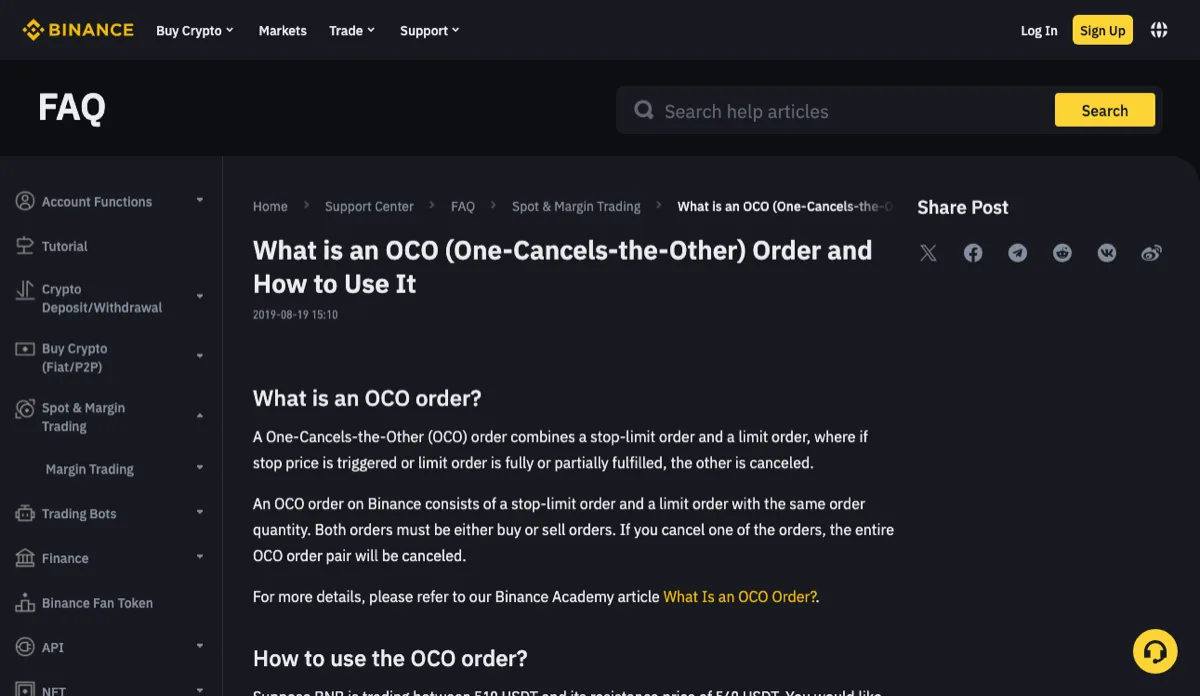
Binance Support’s What Is an OCO (One-Cancels-the-Other) Order and How to Use It? (updated 2026-01-06) describes an OCO as a limit order plus a stop-limit order: if one is triggered, the other is canceled, and canceling one cancels the other. The Spot API changelog entry that introduced OCO adds the rule that matters here: both legs must have the same quantity.
One quantity, and only one side ever sells. So an OCO for 1.0000 ETH should need 1.0000 available, not 2.0000. After placing it, check that the in-order figure is 1.0000.
To go from two separate orders to one OCO:
- Cancel the 2,500.00 sell. Check its filled amount first. If 0.3000 has already sold, you are only canceling the remaining 0.7000, and the OCO can only be for 0.7000. Why the original size is not always available again is covered in I pressed cancel. Can I place the whole order again?
- Wait for the order to show as canceled, then read available ETH. Carry on once the canceled amount is back (1.0000 here, or whatever remained if part had filled). If it is not, go back to the previous section and look for the other order holding it.
- Choose [OCO] and enter the prices in sell order. The OCO changelog entry sets the price order for a sell: limit price > last price > stop price. In this example: take-profit limit 2,500.00, market about 2,245, stop 2,050.00, stop limit 2,040.00, amount 1.0000.
Between canceling the take-profit and placing the OCO, the 1 ETH has no order on either side. With only one balance to work with you cannot place the new order before removing the old one, so run the three steps back to back.
Once the OCO is live, one follow-up case is worth knowing: if the 2,500 side only partly fills, the stop side is canceled and the remainder has no stop. That case has its own guide, Binance OCO take-profit partly filled and the stop-loss is gone.
Without OCO: split the amount between two orders
The other route is to give each order its own share: 0.6000 ETH in a limit sell at 2,500.00 and 0.4000 ETH in a stop-limit with a 2,050.00 stop and a 2,040.00 limit. Together they use exactly 1.0000, so the balance is enough.
The cost shows up when the price moves. At 2,050 only 0.4000 sells, and the 0.6000 left waiting at 2,500 has nothing below it. At 2,500 the 0.6000 sells and the 0.4000 stays. Each direction is only partly covered; how you divide it depends on which move worries you more.
Very small slices hit two rules. On 2026-11-07 the public exchangeInfo endpoint for ETHUSDT showed a minimum notional of 5 USDT and a step size of 0.0001. At a 2,040 limit a stop-loss needs at least 0.0025 ETH (0.0025 × 2,040 = 5.10 USDT); 0.0024 ETH comes to 4.896 USDT and is rejected. The step-by-step check is in Binance minimum order value, step size and tick size.
The same response listed MAX_NUM_ALGO_ORDERS as 5. The filters documentation says this caps how many STOP_LOSS, STOP_LOSS_LIMIT, TAKE_PROFIT and TAKE_PROFIT_LIMIT orders an account can have open on one symbol. Only those four types are listed, so plain limit orders are not among them. With no other stop orders open on ETHUSDT, split a stop-loss into six levels and the sixth is refused.
Not bought yet: let the take-profit and stop-loss follow the buy
Before you buy, the problem runs the other way. The buy order locks USDT, and the ETH that a take-profit or stop-loss would sell is not in the account yet, so neither can be placed. The Spot API glossary describes an OTOCO: a working order, such as a limit buy, and an OCO pair that is placed automatically once the working order fills.
The wording is “when the working order fully fills”. If the buy only partly fills, the take-profit and stop-loss pair does not appear yet, and the ETH you did buy has no protection in the meantime. This guide has not checked what the website and app call this order type in their menus, so read the description next to the option before choosing it.
The 1 ETH holding and the 2,500, 2,050 and 2,040 prices are made up for the example; the ETH/USDT parameters come from the public endpoint on 2026-11-07 and can change.