Check that the service supports your location and circumstances before starting. If you already have an account, go straight to the help for missing codes, account access or identity review.
Where are you in the signup process?
- Check location and account requirements.
- Prepare your contact details, document and device.
- Create a personal account and follow the verification and password prompts.
- Check whether BN1899 is linked. Read any offer separately.
- Complete identity verification and secure your login.
Already stuck? Skip to missing codes or an existing account, or a rejected or stalled identity review. The sections below explain each step.
Prepare contact details, documents and a device
Use an email or supported phone number that you can keep receiving messages on. Protect the email account itself with a unique password and suitable login controls. Temporary inboxes, shared numbers and codes collected by another person are poor foundations for an account you expect to recover later.
Check the document types offered by your actual verification flow before preparing an original, valid document. Do not assume a document accepted for another person is accepted for you. If address evidence is requested, follow the stated document requirements instead of inventing a template or editing a downloaded sample.
Prepare a working camera, suitable lighting and the ability to manage app or browser permissions. Grant camera access only inside the official process you intended to open. A message from an alleged helper is not a reason to upload identity images elsewhere. Leave enough time to read each confirmation without rushing toward a promotional countdown.
Create the account on the official service
Check the actual hostname in the address bar, including spelling. A familiar logo does not authenticate a website. NALOG is independent and does not collect your exchange password, identity documents or verification codes. The registration entry below leaves this site for Binance.
BN1899Referral link: we may earn a commission. Check benefits and eligibility on Binance. Affiliate disclosure
Choose the personal-account flow and an available signup method, enter your own contact details, read the applicable terms and complete the verification prompts. Buttons and ordering may change. Follow the current official screen rather than opening several competing sessions to make it resemble an old guide.
Create a unique password rather than reusing the password for email or shopping. A password manager can help if you control it and understand its recovery arrangements. Passing a minimum formatting rule does not mean an easily guessed password is adequate. Binance’s registration explanation describes the personal-account process and referral association.
Check BN1899 before treating it as linked
The official guide shows a green tick and “Linked” beside an associated code. Look there, not at the promotional banner. We have not confirmed BN1899 inside a registered account.
The invitation entry may prefill the code, but inspect what the official page actually displays. Confirm both the code BN1899 and its association status. A parameter in an address is not the same evidence as the platform acknowledging a linked code.
If the code is invalid, different or unconfirmed, do not record success. Use only corrections permitted by the current flow or ask official support. NALOG cannot alter your account relationship and will not ask for credentials to perform a manual attachment. Do not assume a linked code can be changed later.
No percentage benefit has been established for this code. If an offer appears, read its eligible users, product, duration, settlement method and any tasks. A fee discount, referral rebate, task reward and trial voucher are distinct mechanisms. Do not add them into an imagined permanent percentage. Keep a private record of what was actually shown if it matters to your decision.
Complete the identity process requested by your account
Open the official identification section and inspect its current status. Select actual residence, issuing country and an allowed document type. Check personal details against genuine documents and the form’s instructions. If name order or transliteration is unclear, resolve it before confirming rather than inventing a version likely to pass.
Capture the required pages clearly and completely, avoiding glare and cut edges. Do not alter text, beautify document images or substitute a picture from another source. Follow the available capture or upload method. A liveness step is separate from a document photo and must be completed by the person being verified.
Review information before submission. Submitted, under review and approved are different states. The personal identity verification guide provides the official process reference. Local options and account prompts determine the actual requirements. No approval time or guaranteed document outcome is promised here.
Set up login protection and recovery together
Inspect the security methods currently supported by your account. Installing an authenticator app is not the same as binding it to Binance. During setup, a QR code or secret may generate future codes; keep it private and complete the confirmation step. Check the account’s security status afterwards to establish that the method is enabled.
Name entries clearly when managing several services. A six-digit code from a similarly named entry is not necessarily the right one. If codes fail, check the entry and device time before following official troubleshooting. Never send a working code or setup secret to a person offering to test it.
Before creating a passkey, understand where it is stored, whether it syncs through a device account and how access works if a device is lost. Binance’s passkey instructions describe supported setup. Approve a device prompt only when it corresponds to an operation you initiated.
Avoid placing every recovery dependency on one unbacked-up phone. Equally, do not place passwords, identity scans and authenticator secrets together in a public shared folder. Recovery arrangements must remain understandable and under your control.
Handle the specific interruption
Start from what the screen is showing now, not from what you expected it to show.
- The code never arrived. Check contact spelling, country code where relevant, spam and mail rules, then follow the official resend prompt. Repeated requests can leave older codes arriving after newer ones, so enter only the latest one.
- The page says the email or number is already registered. Use login or account recovery for that address instead of creating a second account.
- The screen froze or closed partway. First try logging in with the same contact details to establish whether an account was created before starting again.
- The account exists but the code does not show as linked. Go to Check BN1899 before treating it as linked.
Correct the stated verification problem
Open the identification section and read the status it shows. Each status calls for a different next step.
- Not started or unverified, although you thought you submitted. The submission may not have completed. Check for an unfinished step in the flow before uploading anything again.
- Additional information requested. Answer only that request, inside the official flow. Do not restart the whole verification or send documents through chat links or email attachments you did not initiate.
- Rejected or failed, with a stated reason. Fix that reason: retake unclear images, replace an expired document with an accepted valid one, or compare mismatched fields with the real document. Do not randomly change identity details to force a pass. Resubmit through the retry option the page offers.
- Still under review and not moving. This is the stalled case. Do not resubmit, open a second account or pay anyone who offers to speed things up. Check the account notifications and the email you registered with for a request you may have missed. Then reopen the personal identity verification guide linked in the identity section above for any review time Binance currently states; this guide does not give one. If the review has passed that time, or none is stated and it has been pending longer than you can wait, contact official support.
Whichever status you see, if the reason remains unclear, give official support the submission time, the status shown and any error text through its secure process. NALOG cannot inspect the account or accelerate review.
Reading a language does not establish eligibility
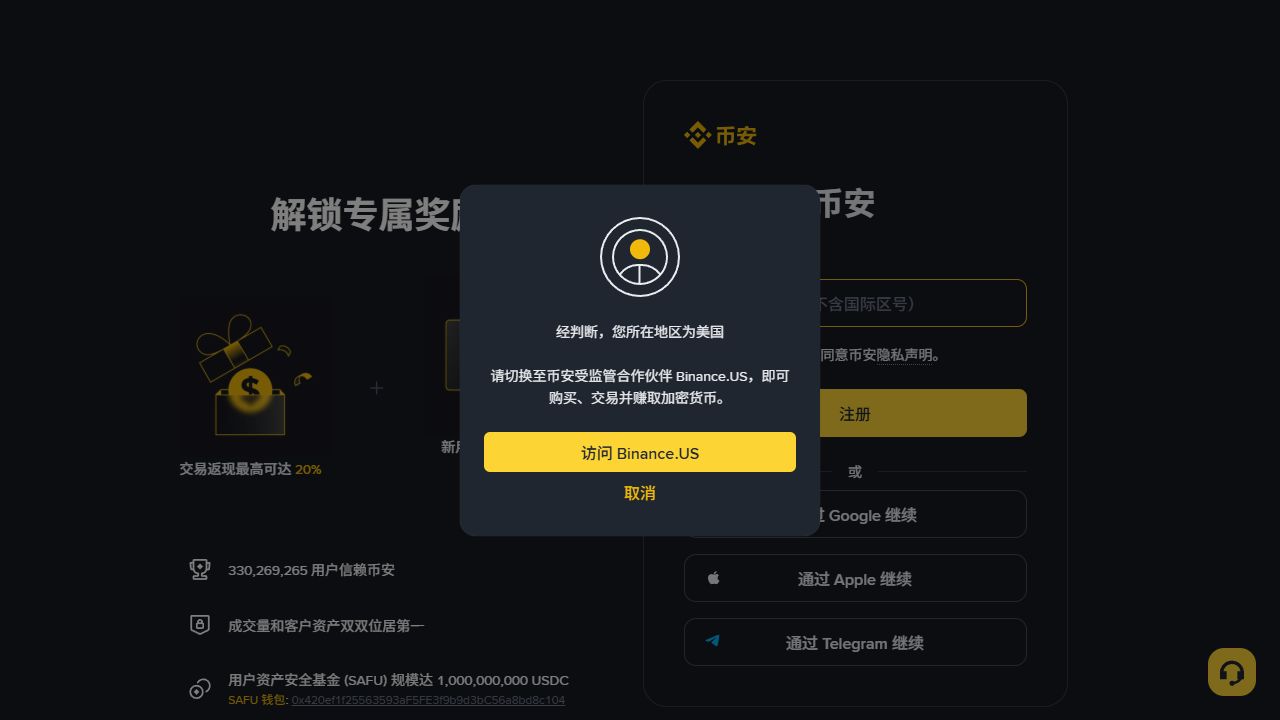
Chinese, English and Serbian Latin are reading options on this site. They do not establish where Binance services are permitted or which products you may use. Actual residence, identity, the service entity and the particular feature can matter. Review the current applicable terms and account prompts rather than selecting a country because the tutorial uses its language.
Residence, nationality and document-issuing country can be different facts. Answer each question truthfully. If a field is unclear, consult its explanation or official support. An option that lets a screen continue is not necessarily the correct answer. If your location or situation is unsupported, stop the relevant process rather than using someone else’s identity or a false address.
Check age and other applicable account conditions too. Creating a login, passing identity review and gaining access to a particular service are separate milestones. A verified label does not guarantee access to every product. This guide does not certify your eligibility or offer a way around restrictions.
Identify the person who will control the account
Use your own identity, contact details you control over the long term, and a device you manage. An account created with someone else’s documents or handed over after registration separates account control from identity. That makes future verification and recovery harder. This is a personal-account guide, not a procedure for operating a business account or trading for another person.
Check whether you already have an account. If an email is already registered, investigate through official login or recovery before creating another account for a different referral code. A code does not recover an account, transfer verification or erase an earlier referral relationship. Submit recovery information only through an official process you have verified.
Review before leaving setup
Check contact details, verification state, enabled security methods and recognizable device activity. A tutorial checklist is not proof that a setting was saved. Before replacing a phone, understand the migration or recovery steps and confirm access on the replacement before discarding the only working authenticator.
You do not need an API key to use NALOG’s teaching tools. They calculate in your browser and do not connect to your account. Understanding a limit order should not require handing account permissions to a third-party tool.
Learn the order screens before deciding to trade
Separate the entry form, open orders and execution history. A submitted instruction is not a fill, and account verification creates neither. Identify base and quote assets before interpreting a price or quantity field. There is no compulsory first purchase in this guide.
The practice desk uses fixed illustrative prices to show why a quantity may only partly fit inside a limit. It provides no live quotes. If you later place a real order, use order and execution records to check the result. After a timeout, query the original rather than using repeated submissions as a functionality test.
Keep a short completion record
Record the contact method, whether the account exists, referral status, identity-review state and confirmed security methods. Exclude passwords and verification secrets. Mark unresolved items as unknown. A recommendation relationship may compensate this site when its conditions are met, but it does not replace your eligibility checks. You can stop at reading and practice; registration and trading remain separate decisions based on conditions you understand.