Compare two numbers: your limit price and the best price on the other side of the book. A buy is checked against the best ask, a sell against the best bid. If a Post Only buy is priced at or above the best ask, or a Post Only sell at or below the best bid, Binance cancels it the moment you submit. Nothing trades.
The rule comes from the Binance help article What Are Maker (Post Only) Order, Time in Force Order, and Iceberg Order? A Post Only order “will exist as a maker order on the order book” and will “never match with orders already on the book”. If any part of it would execute immediately, for example a buy above the current market price, “the system will automatically cancel your order upon the order placement.” A plain limit order at that price would simply take the resting order. Post Only refuses to.
Where the Post Only box is: Advanced order mode on the website
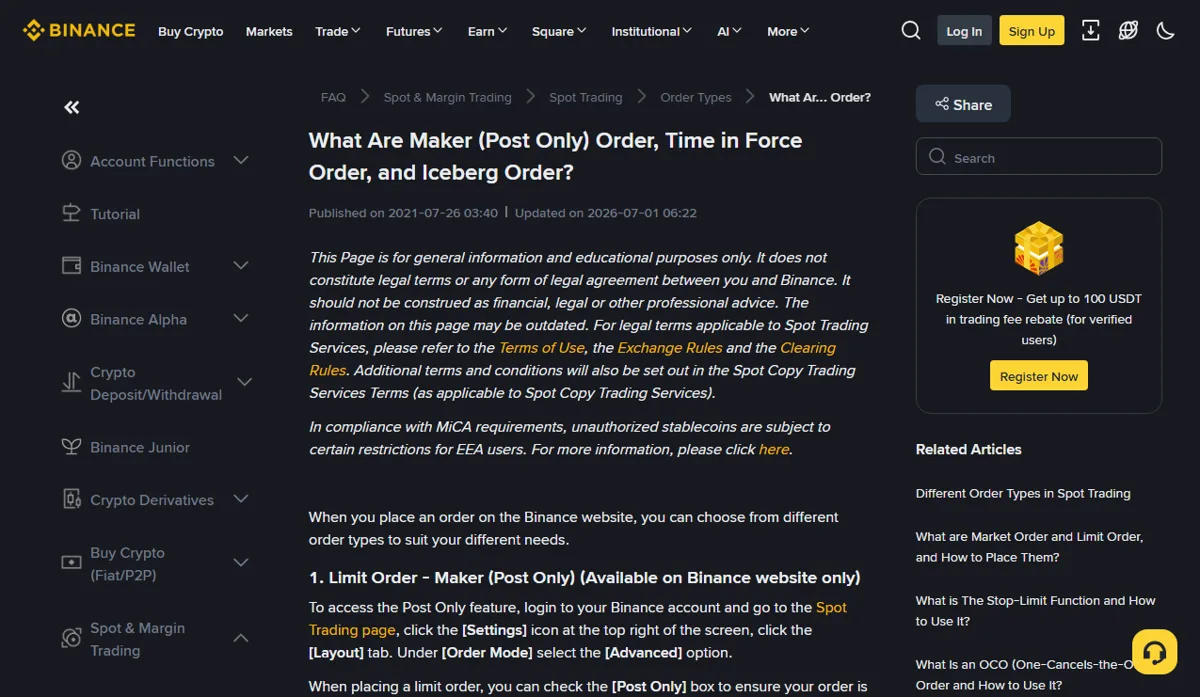
The help article gives this path: log in, open the Spot Trading page, click the [Settings] icon at the top right, open the [Layout] tab and choose [Advanced] under [Order Mode]. Only then does the [Post Only] checkbox appear when you place a limit order.
The section heading itself says “Available on Binance website only”. If you are looking for the box in the app's order panel and cannot find it, that matches what the article says; it is not a setting you missed.
Buy below the best ask, sell above the best bid
Take an example BTC/USDT book with a best bid of 82,296.05 USDT and a best ask of 82,296.06 USDT. These prices are illustrative, not a recorded market snapshot; read the live bid and ask from the order book on your own screen. In the example the gap is a single price step of 0.01, so there is no price in between to slip into. Whether 0.01 is the current price step for the pair is shown in its trading rules on Binance.
With those two example numbers, here is what happens to a Post Only buy at four prices:
| Buy limit (USDT) | Against the 82,296.06 ask | On submit |
|---|---|---|
| 82,300.00 | Higher, would fill now | Whole order canceled |
| 82,296.06 | Equal, would also fill now | Whole order canceled |
| 82,296.05 | One tick lower, same as the bid | Rests on the book behind orders already at that price |
| 82,290.00 | Below the bid | Rests on the book at a lower level |
For a sell, flip it. A Post Only sell at 82,296.05 or lower meets the best bid and is canceled; 82,296.06 or higher goes onto the book.
The row that is easy to misread is the “equal” one. Matching the ask exactly does not look like crossing it, but it is already enough to trade, so the order is refused. On a pair whose spread is a single tick, a Post Only buy can go no higher than the best bid and a sell no lower than the best ask. You join the back of the queue at that price rather than stepping in front of it. How queue position affects fills is covered in The limit price was reached. Why no fill?
It looked safe on screen and was still canceled
The check uses the order book at the instant your order arrives, not the frame you were looking at. Suppose you see an ask of 82,296.06 and send a Post Only buy at 82,296.05. Just before it lands, someone offers at 82,296.05. Your order would now trade against that offer, so it is canceled.
A run of cancellations in a fast market usually points here. Leaving one or two extra ticks between your price and the other side makes it rarer, at the cost of sitting further from the market and possibly waiting longer. And if what you actually need is a fill right now, Post Only is the wrong tool: it exists for the case where no fill is better than paying as a taker.
After the cancel: check Open Orders and your available balance
A canceled Post Only order never matched anything, so it leaves no trade record. Confirm it is not under [Open Orders], then confirm the available balance of the quote asset is back where it was before you submitted. With both settled you can reprice and send again without ending up with two resting orders. Why open orders reduce the available figure is explained in Open orders: why your available balance is lower.
The help article only says the order is canceled automatically. It does not say whether such an order appears in order history, or under which status. The API side is more explicit. The matching order type there is LIMIT_MAKER, and the Spot error-code documentation lists the message “Order would immediately match and take.”, explained as a LIMIT_MAKER order that would immediately match and trade and so would not be a pure maker order. It sits in the table for -2010 NEW_ORDER_REJECTED.
If you pressed submit and saw no message at all, so you cannot tell whether the order reached Binance, that is a different problem. Check the order status first, as described in Binance order timeout: check before submitting again.
Once it rests on the book, it can still fill
Post Only is checked once, at placement. After that the order waits like any resting limit order. If the ask later drops to your buy price, the incoming sell order matches against yours and you are still the maker. The help article's wording is that you “will only be charged a maker fee, not a taker fee, when your placed order is executed.”
Post Only does not set how long the order lives; time in force does. IOC and FOK ask for an immediate fill or a cancel, which is the opposite of what Post Only is for. The three settings are compared in GTC, IOC and FOK: same price, different result.